How to Write AI Prompts That Actually Work for Product Photography
Struggling with AI-generated product images? Here's how to write prompts that get professional results — without the guesswork.
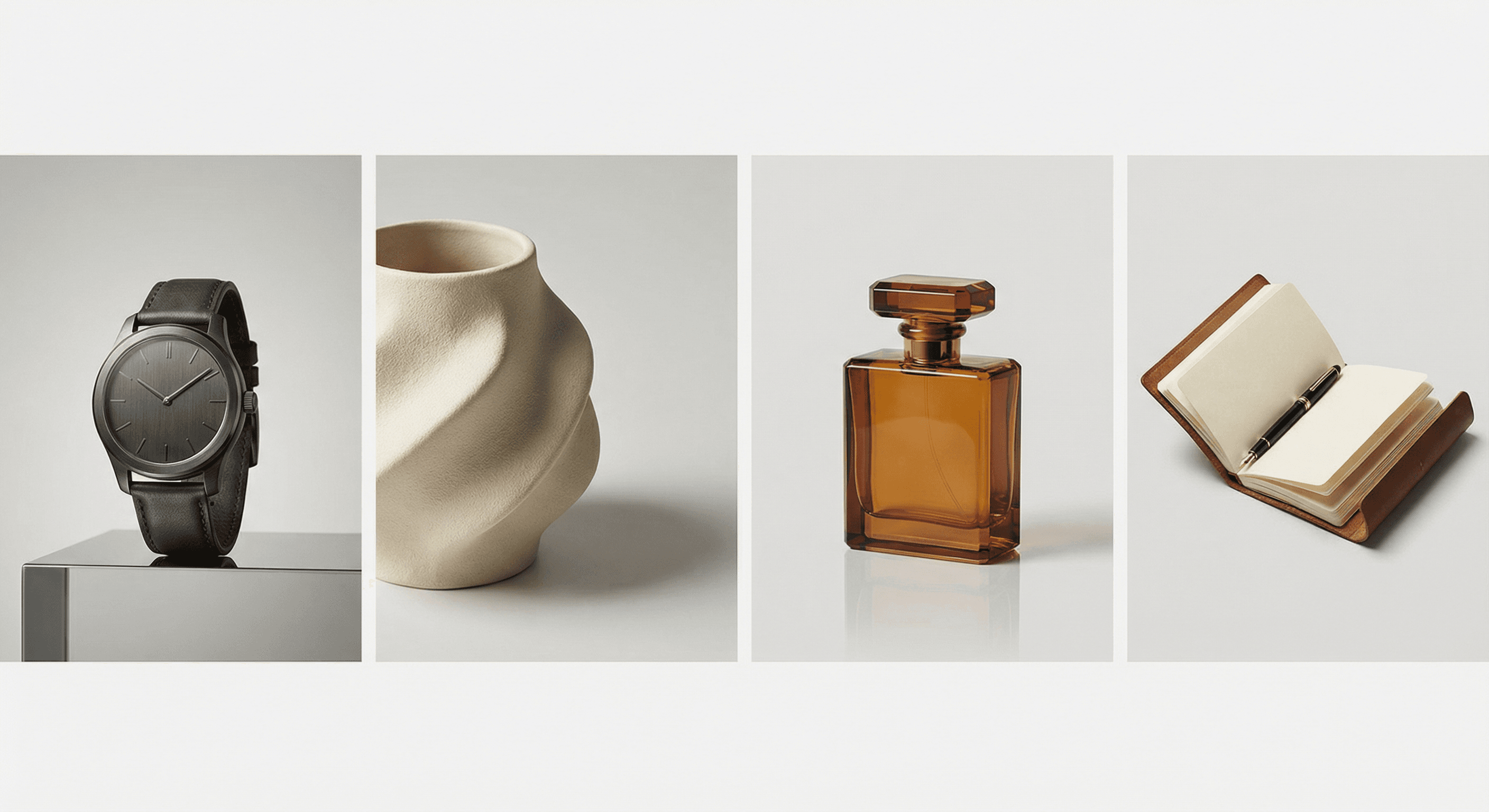
You've seen the promises. AI can generate stunning images in seconds. Professional product photos. Lifestyle shots. Scroll-stopping social content.
So you type in "product photo of my candle" and get... something weird. A candle that looks like it's melting into the floor. A background that makes no sense. Shadows in all the wrong places.
The problem isn't the AI. It's the prompt.
Good prompts = good images. It's that simple. And once you understand the structure, you can generate professional product photos on repeat — no studio required.
The Prompt Structure That Works
Every great product photo prompt has five layers:
1. The Subject
Start with what you're actually photographing. Be specific.
- ❌ "candle"
- ✅ "hand-poured soy candle in amber glass jar with wooden wick"
The more details, the better the AI understands what you want.
2. The Setting/Background
Where does the product live?
- ❌ "product photo"
- ✅ "product on white marble countertop with soft window light"
Setting creates context. A candle in a cozy living room tells a different story than one in a minimalist bathroom.
3. The Lighting
Lighting is everything in photography. Tell the AI exactly what you want.
- Soft studio lighting — clean, commercial, even
- Natural window light — warm, organic, lifestyle feel
- Dramatic rim lighting — bold, editorial, high-end
- Golden hour — warm, dreamy, aspirational
4. The Style/Quality
End with technical direction that elevates the result.
- "professional product photography"
- "commercial advertising photo"
- "lifestyle photography style"
- "high detail, 4k resolution"
- "clean white background, centered composition"
Prompt Templates You Can Use Today
Here are three ready-to-copy prompts for common product photography needs:
The Clean Ecommerce Shot
Professional product photography of [PRODUCT NAME], clean white background,
soft studio lighting, centered composition, high detail, 4k quality,
minimalist aesthetic, commercial photography style
The Lifestyle Context
[PRODUCT NAME] in a beautifully styled home environment, natural light
from window, warm tones, shallow depth of field, lifestyle photography,
professional composition, aspirational mood, magazine editorial style
The Detail Close-Up
Extreme close-up of [PRODUCT NAME] texture and details, macro photography
style, professional product photography, soft shadows, crisp details,
studio lighting, 8k resolution, commercial quality
Just replace [PRODUCT NAME] with your actual product. That's it.
Common Prompt Mistakes (And How to Fix Them)
Mistake #1: Being Too Vague
"Photo of my product" gives the AI nothing to work with.
Fix: Add specific details. Materials, colors, textures, settings.
Mistake #2: Conflicting Instructions
"Natural light but also dramatic shadows but also soft and even"
Fix: Pick one lighting direction per prompt. You can always generate multiple versions.
Mistake #3: Forgetting the Output Quality
AI defaults to its training data — which can be inconsistent.
Fix: End every prompt with quality boosters: "high detail, 4k, professional photography, studio quality"
Mistake #4: Ignoring the Background
The AI will make something up if you don't specify.
Fix: Always mention the background: "clean white background," "neutral gray studio," "on rustic wooden table"
The Real Advantage for Small Brands
Here's what's actually happening: the brands that figure this out will have an unfair advantage.
They're generating hundreds of product variations in an afternoon. Testing different contexts. A/B testing visuals. Launching new products with professional imagery instantly — no photographer scheduling, no studio rental, no weeks of turnaround.
The barrier to professional visual marketing has collapsed.
The only remaining skill? Knowing how to ask for what you want.
Skip the Prompt Writing
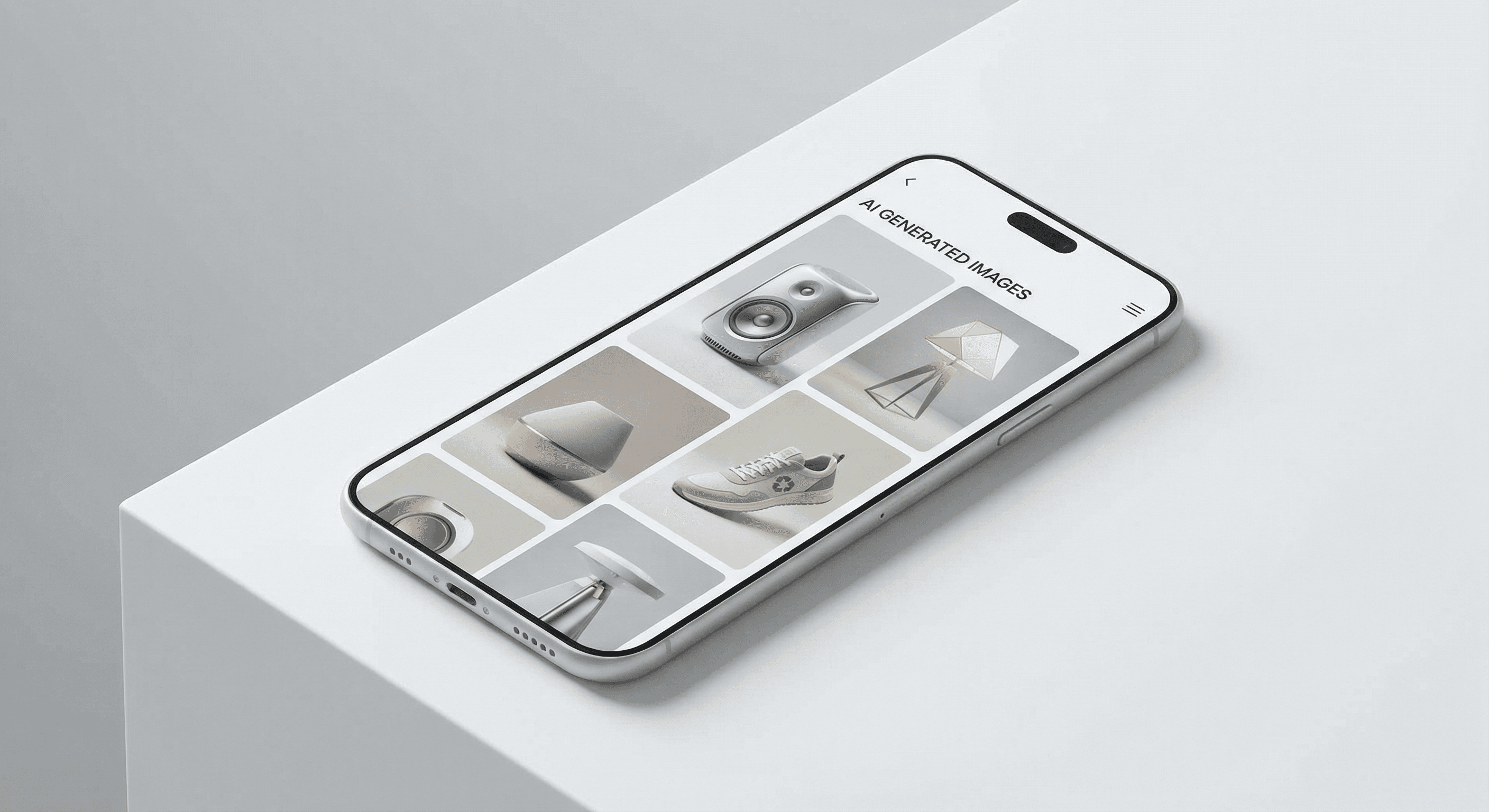
Steep Labs builds these prompts for you. Upload one product photo, pick a framework — hero shot, lifestyle scene, flat lay, or a model holding the product — and it writes the prompt around your product, lighting and buyer. See AI product photography for every style.
Need prompts for a specific product category? Drop us a message — we're happy to help.